Broadcaster Basic
For a first station, a congregation or a weekly show.
$12.99/ month
- Listeners at once
- 200
- Music storage
- 3 GB
- Go live from your phone
- AutoDJ, 24 hours a day
- Playlists and play queue
- Listener link and web player
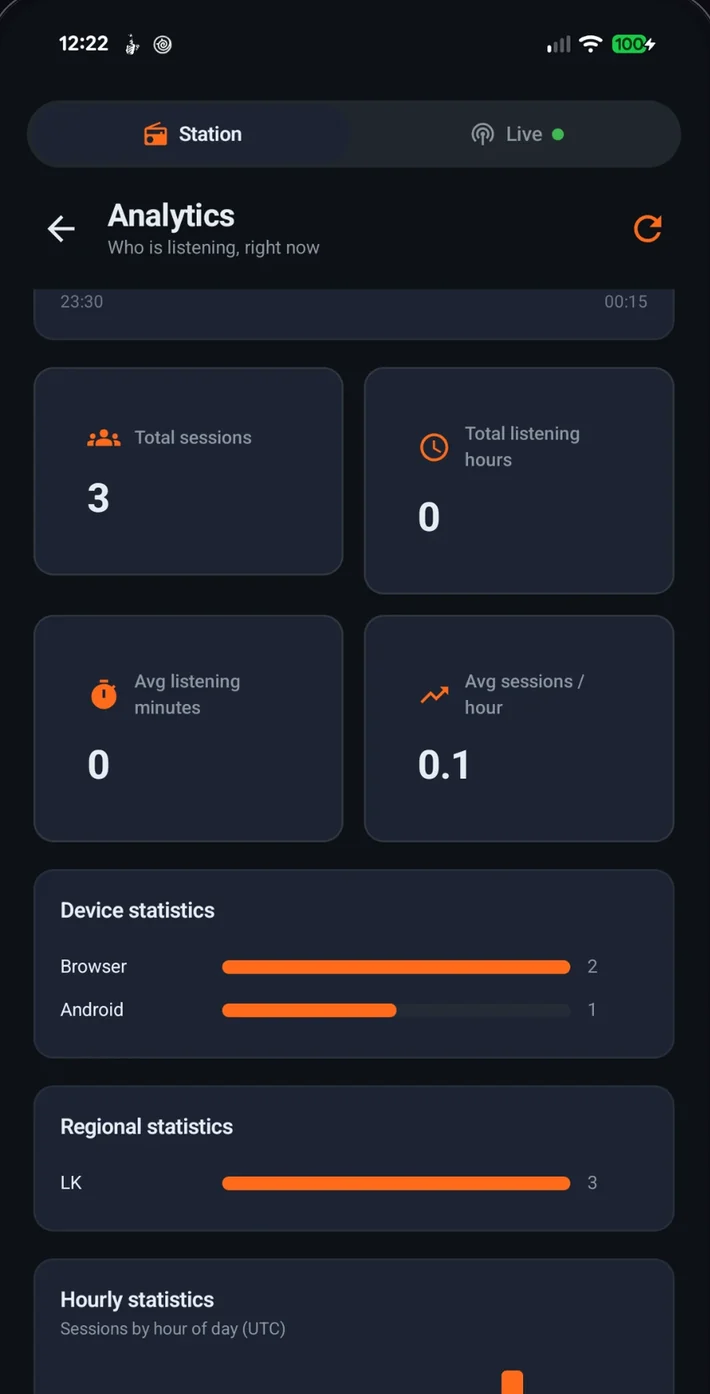
- Listener analytics
RadioStreamHub gives you a hosted radio station you run entirely from your phone. Go live, keep the music playing with AutoDJ, and share one link your listeners open in any browser.
See whether you are on air, what plays next, and the link your listeners use.
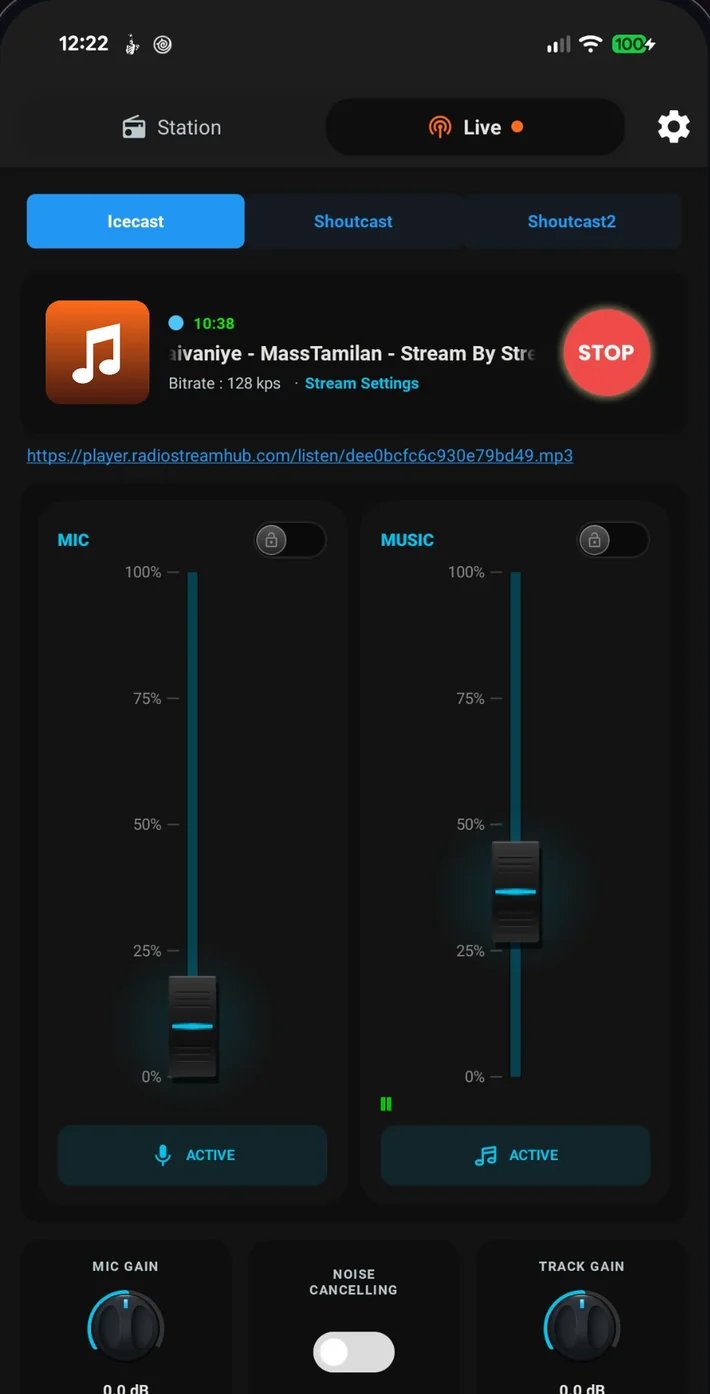
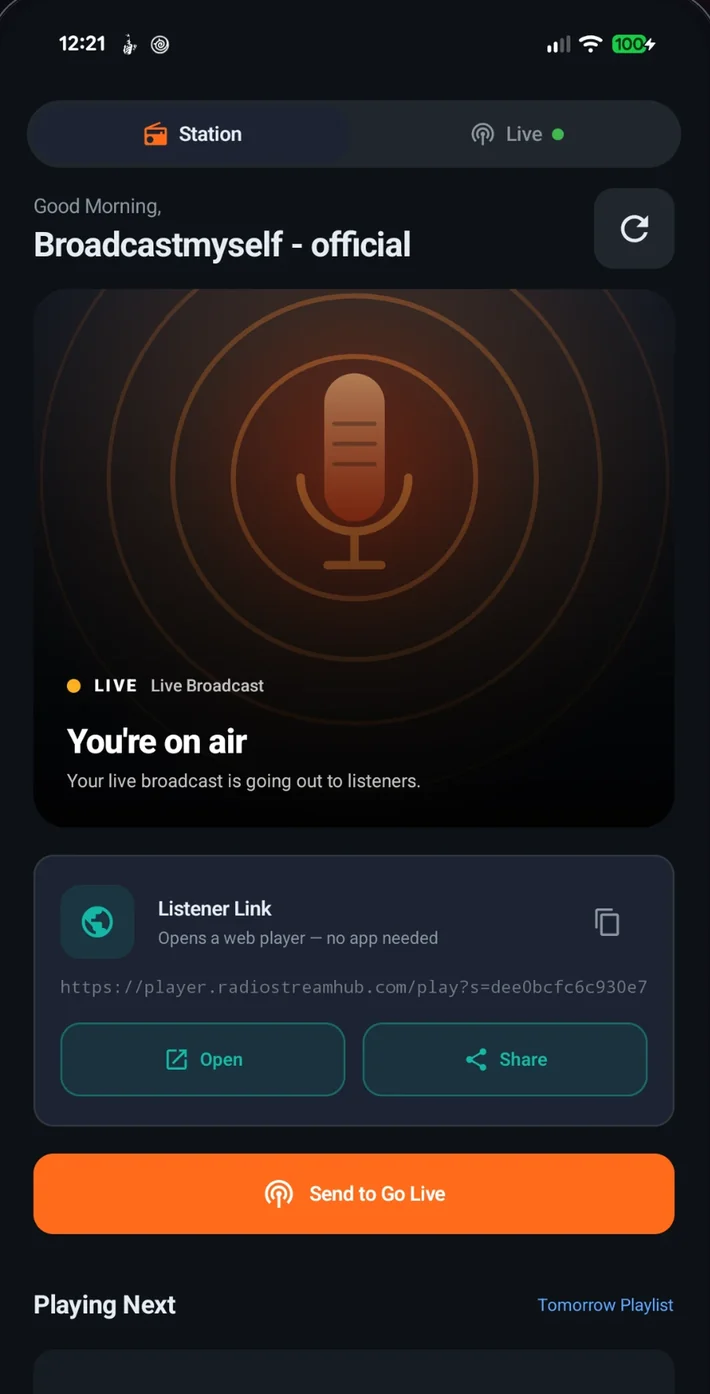
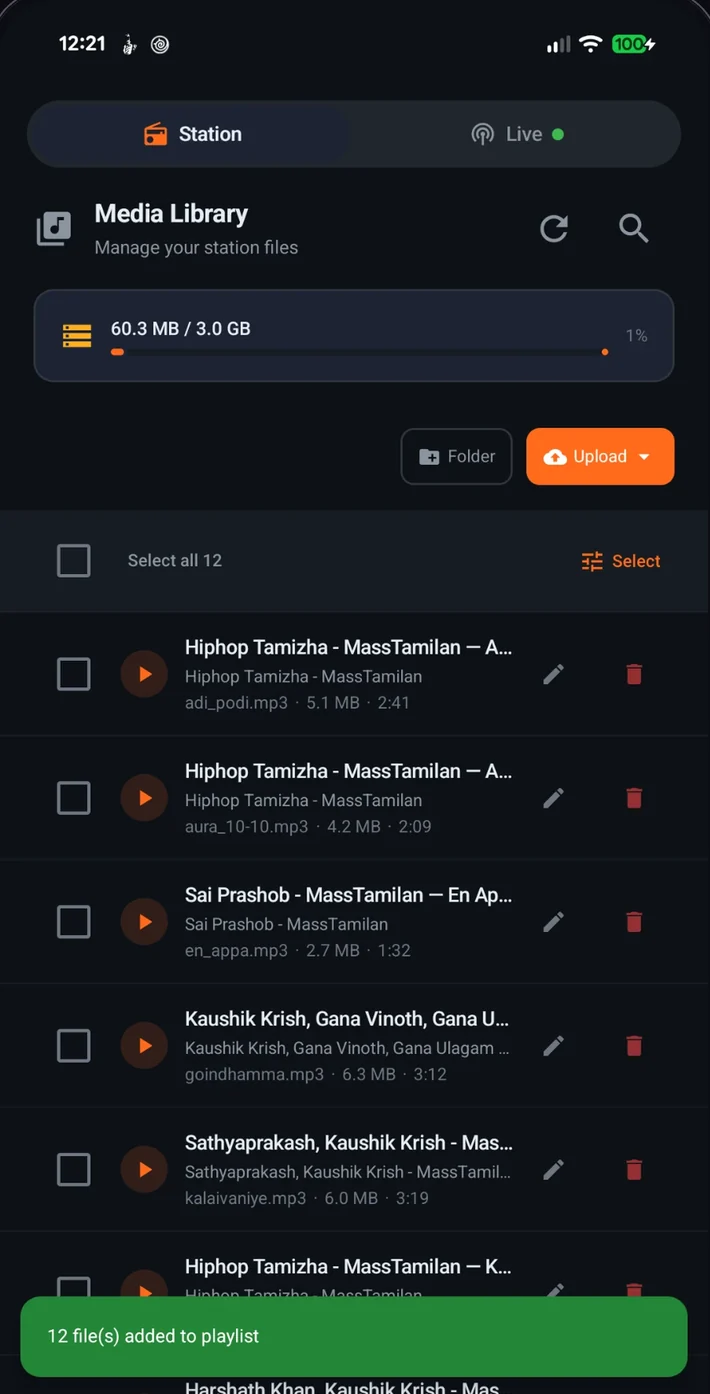
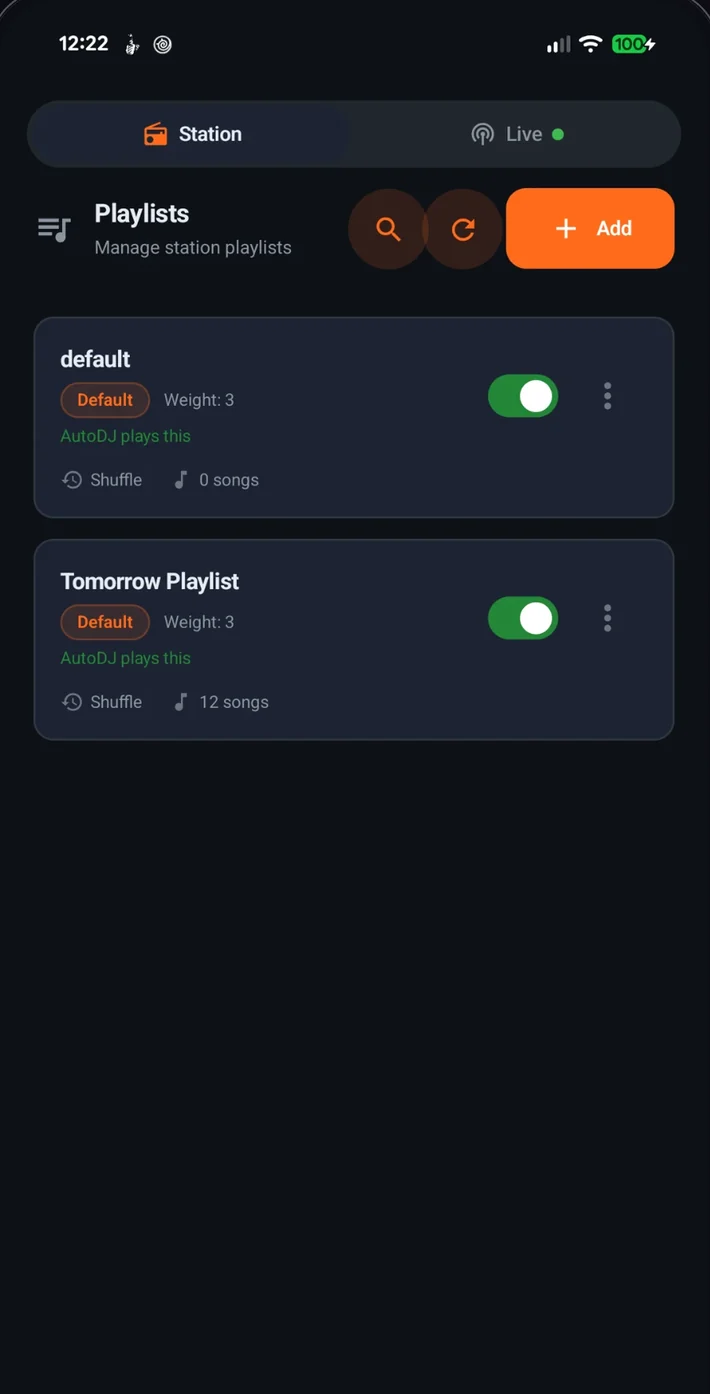
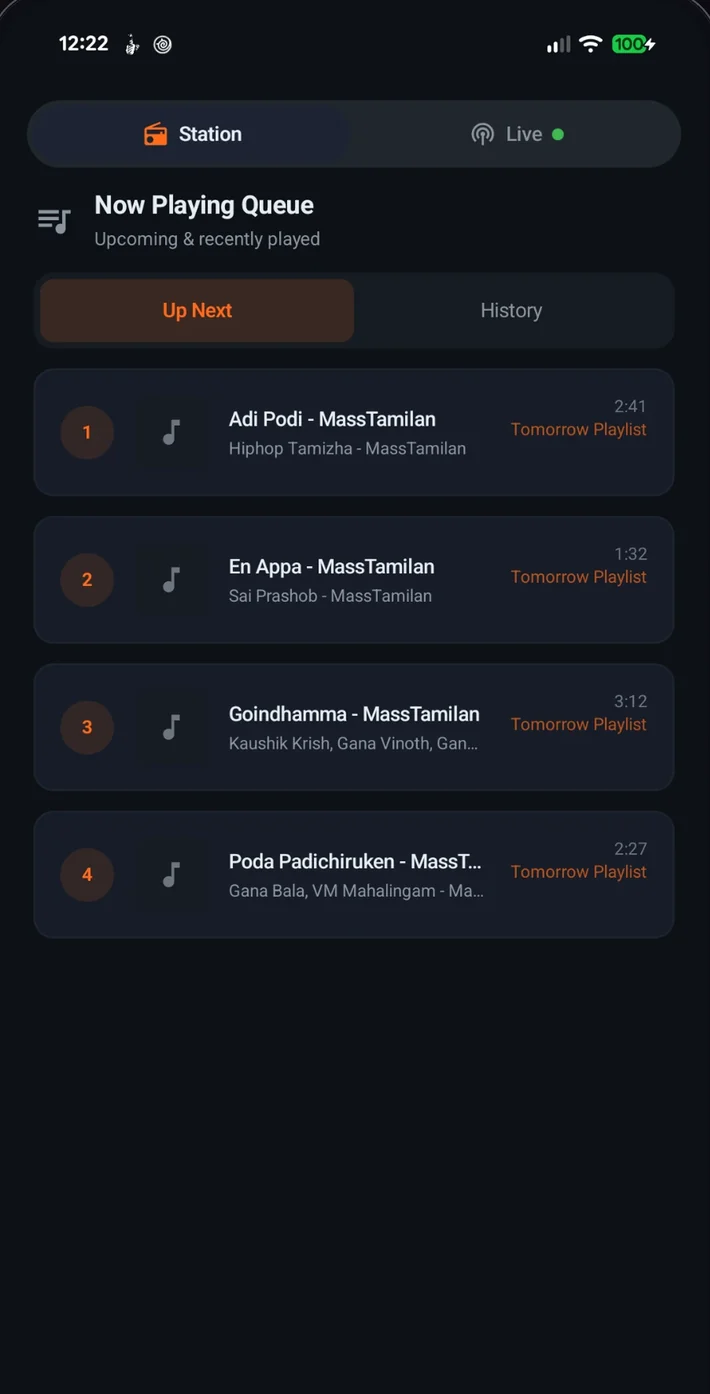
Listeners tune in from any browser, with nothing to install
Who it's for
Carry the service beyond the building
Broadcast worship live from a phone at the front of the room. Between services, AutoDJ plays sermons and music for the people who could not be there.
A local station without a transmitter
Give a neighbourhood, a town or a diaspora community its own voice. Volunteers can take turns going live, and everyone listens from one link.
Play to your own audience, on your own station
Mix live with the mic over your tracks, then leave a playlist running so the station is never silent between sets.
A student station that fits in a backpack
Run announcements, shows and match commentary without a studio. All the equipment a student presenter needs is a phone.
Go on air the moment something happens
Open the app, tap to go live and start talking. Your listeners are already on the link, with nothing to install.
One broadcast, every listener.
Put it in your bio, your group chat or on a poster. It opens a web player and starts your stream, live or AutoDJ, whichever is on air.
How it works
No server to rent, no encoder to configure, no control panel to learn.
Pick a plan in BroadcastSelf Pro. Your station is created for you in about a minute, with no server to set up.
Add tracks and playlists for AutoDJ, or open the mixer and start talking. Do both and the station never goes quiet.
Send your listener link anywhere. People tap it and they are listening, then you watch the numbers in the app.
Pricing
Both plans include the full app. Pick by how many people listen at once and how much music you keep.
For a first station, a congregation or a weekly show.
$12.99/ month
For stations with a growing audience and a bigger library.
$29.99/ month
Prices are in US dollars and may vary by country. Plans are bought in the BroadcastSelf Pro app and billed through Google Play, where new stations can start with a 7-day free trial when the offer is shown.
FAQ
Stations, listeners and billing, in plain terms.
An Android phone and the BroadcastSelf Pro app. Subscribe to a station plan inside the app and your station is created for you. There is no server to rent or set up.
About a minute. Once the plan is active the app shows your station, and you can go live or start AutoDJ straight away.
Every station has one listener link. It opens a web player in any browser, on a phone or a computer, so your listeners do not need to install anything.
AutoDJ plays the music and playlists you uploaded, around the clock. When you go live it steps aside, and it picks up again when you stop.
Only people listening at the same moment. A Basic station can have 200 people tuned in at once and a Pro station 1,000. There is no cap on total listeners across a day or a month.
Yes. Plans are Google Play subscriptions, so you can move between Basic and Pro in the app and Google Play handles the billing change.
From your subscriptions in Google Play, at any time. Your station stays on air until the end of the period you have paid for.